INKR CMS 2.0
Overview
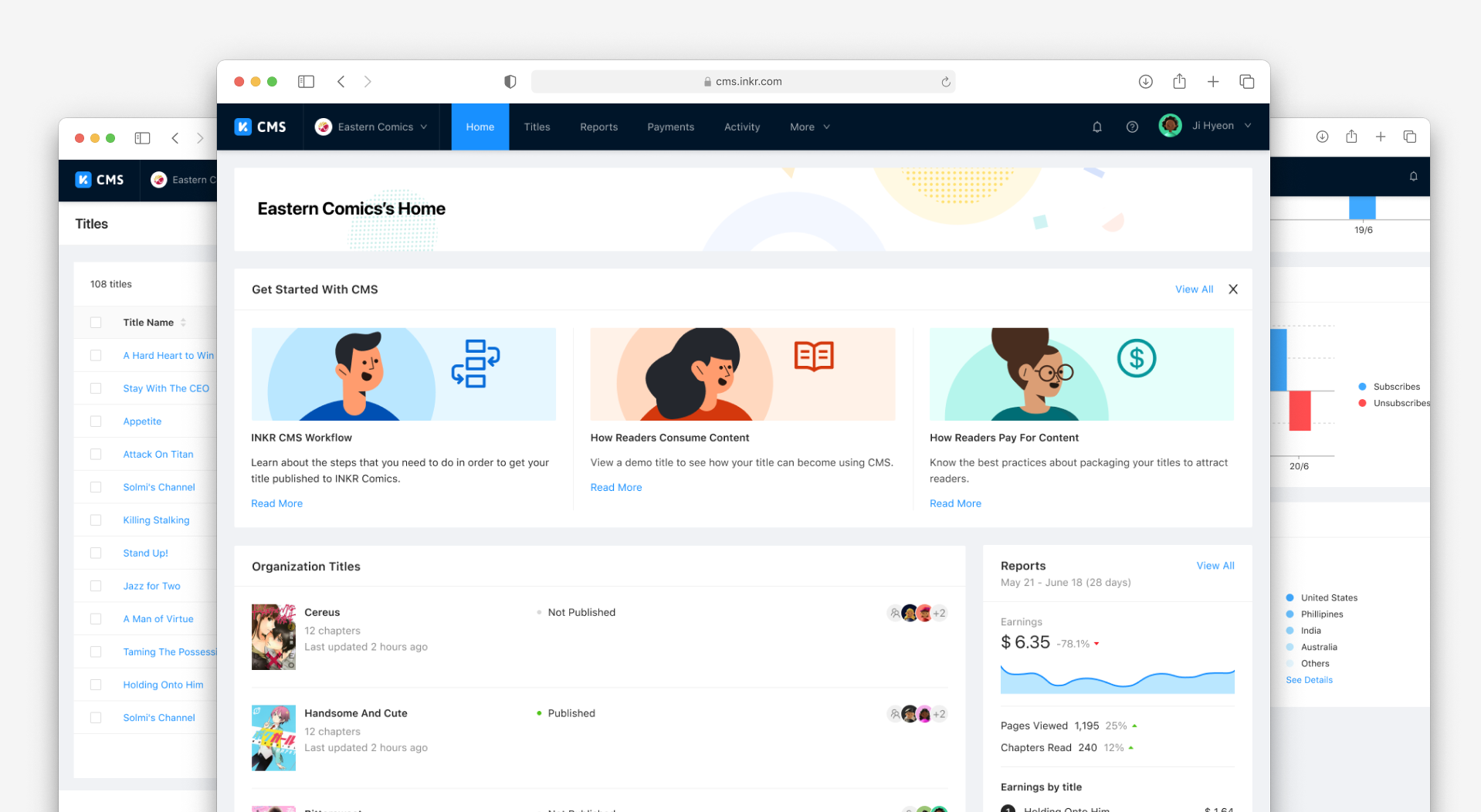
I led a team of 3 designers to extend INKR CMS to support content partners, enabling them to manage, publish, and monetize their catalog directly on the INKR Comics platform.
INKR CMS is the content management system for INKR Comics. It enables its users to create, enter data for, and manage the various content types on the platform: primarily consumable content such as titles and chapters, as well as supporting content such as authors, characters, tags, and keywords.
INKR CMS and INKR Comics are mutually dependent. Without INKR Comics, there is no outlet for content created in CMS. Without INKR CMS, there is no content for INKR Comics to deliver. The measure of CMS's success is how well it enables its users to perform their tasks in a clear, accurate, reliable, and fast manner.
My Contribution
Concepts & Ideation
Information Architecture
Enterprise UI/UX Design
Team
3 designers
2 product managers
6 engineers
Year
2021
Users
Internal team members are INKR employees (Content Managers and Account Executives) who have full access to create and manage all content on CMS.
Freelancers are external users commissioned by internal team members to handle specific tasks such as copywriting and graphics. They can only access content they have been explicitly granted permission to.
Content Partner Members are users from INKR's content partner organizations who need to review and monitor the content they own on INKR Comics. In 2.0, CMS temporarily serves as the home for Organizations and related partner features — a pragmatic decision driven by the immediate need to give partners access at launch. These features are intended to be migrated out of CMS in the future. CP Members belong to an Organization, and can create content for their org and access anything their org owns.
Product Story
Inception
Before INKR CMS existed, its role was filled by INKR Backstage, an ambitious publishing tool built for comic creators anywhere in the world. Backstage was designed with heavy hand-holding: creators would submit their comics for review, get approved, and then publish. INKR Comics was intended to be just one of several outlet clients, with Backstage working across multiple readers and platforms.
The problem was that without an existing outlet and readership, no creator had reason to work with us. So we changed course, pivoting to INKR Comics and a traditional content licensing model. Almost overnight, the vast majority of our catalog would come from publishers, processed by account executives, a user type Backstage was never designed for.
Account executives were forced through a workflow built for ordinary creators: linear, step-heavy, and slow. They had to create submissions just so they could approve them themselves and convert them into titles. Metadata had to be entered field by field. There was no filtering, sorting, or bulk actions to manage a large catalog. The system resisted every attempt to adapt it for internal use due to Backstage's rigid back-end structure.
Rather than continue forcing an ill-fitting tool, we made the decision to build something purpose-built for our internal team: functional, reliable, and with no frills.
CMS 1.0
The Alpha was a straightforward CRUD system for INKR Comics content, used exclusively by internal team members. It covered the core publishing workflow: create titles and chapters, manage miscellaneous info, and handle publishing settings. Mass chapter editing (rename, reorder, delete, change status) was also included from the start.
The Beta extended access to freelancers: external members who needed to work on copywriting and graphic materials for titles. This introduced the need for permission controls and accountability, adding collaborator management, activity history, grammar checking, scheduled releases, chapter imports from localization, and monetization rules.
CMS 2.0
With the launch of INKR Comics came a new set of demands. Content partners needed direct access to CMS to view and monitor their titles, which required authentication, user groups, permission controls, reporting, and payment capabilities the system didn't yet have. Given the urgency, we made the pragmatic call to build these features directly into CMS as a stopgap, with the intention of migrating them into a dedicated partner portal further down the road.
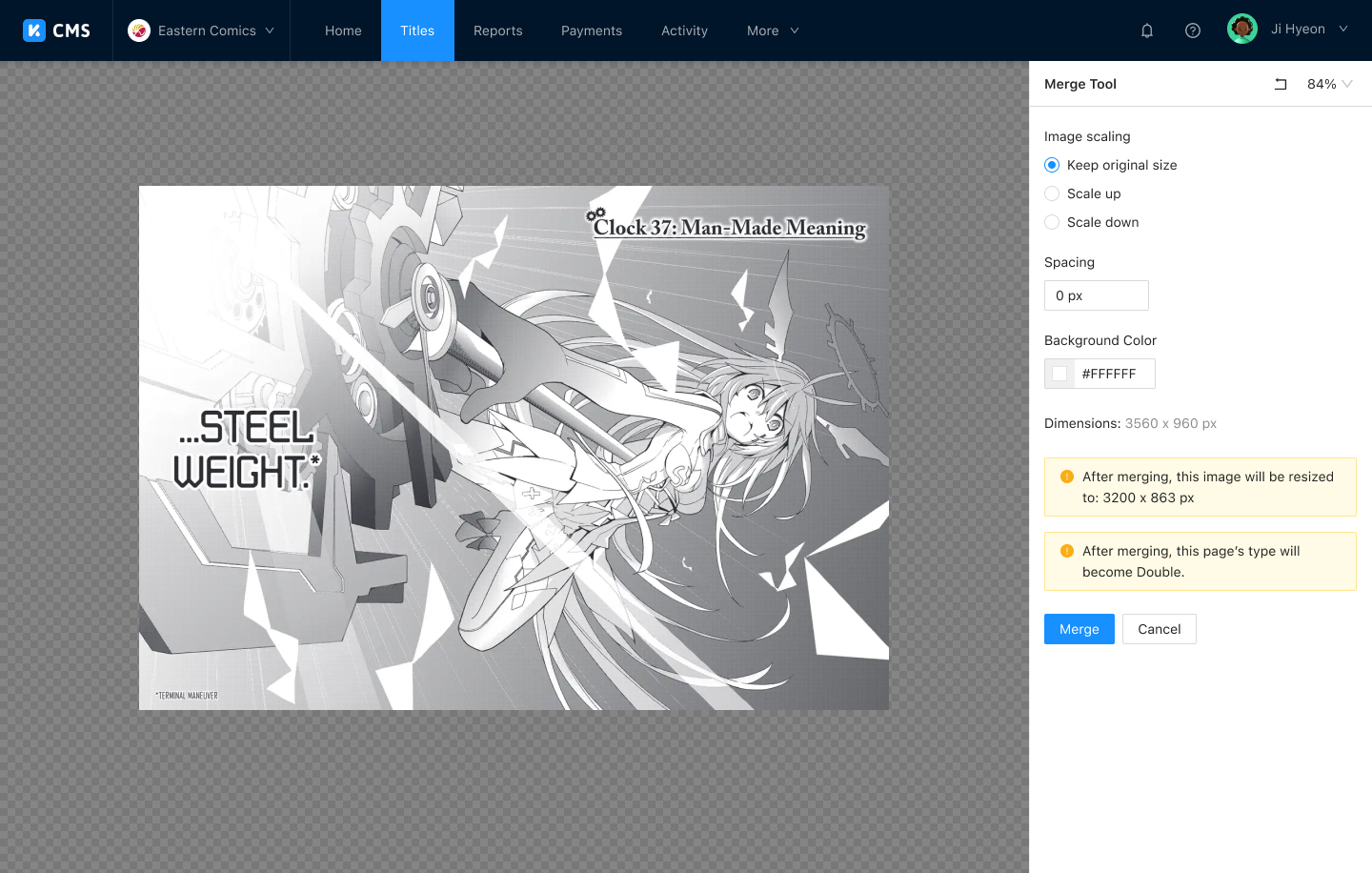
At the same time, INKR Comics needed specialized data to differentiate its reading experience from competitors. This drove the addition of advanced chapter authoring tools, allowing editors to crop, merge, and split pages, and to author smart zoom and Comic Vision data that powers INKR's proprietary reading features.
Key Features
Title Management
- Create new title and chapter
- Manage titles and chapters
- Publish titles and chapters
Organization Management
- Create new organization
- Manage organization members
- Manage organization titles
- Agreements and contracts
- Payments
Content Partner Features
- Sign up and invite users
- Organization home
- Performance reports
- View invoices
Chapter Authoring
- Pages editor
- Crop, merge, and split pages
- Focus areas and safe areas
- Ad breaks
- Thumbnail editor
Defining the Problems
Achieving a truly diverse catalog means onboarding a large volume of titles continuously. Once acquired, each title goes through a demanding pipeline of file handling, data entry, and inventory management before it can go live.

File Handling
Receiving, processing, and uploading terabytes of data in multiple formats from publishers around the world.

Data Entry
Inputting rich metadata for each title so it can be properly discovered and presented to readers.

Inventory Management
Organizing and monitoring every title across a growing catalog.
An inefficient system creates a significant bottleneck at every step, extending time-to-publish and making it nearly impossible to scale to thousands of titles.
Proposed Solution
The most scalable path forward was to give every partner a self-service portal they could operate independently, backed by robust tooling that could handle catalogs of any size.

Online Self-Service Portal
Any partner can independently package, publish, and monetize their content through a user-friendly interface.

Robust, Secure, Data-rich
Tools and features that help publishers make sense of their catalog no matter how large it grows.
Sitemap
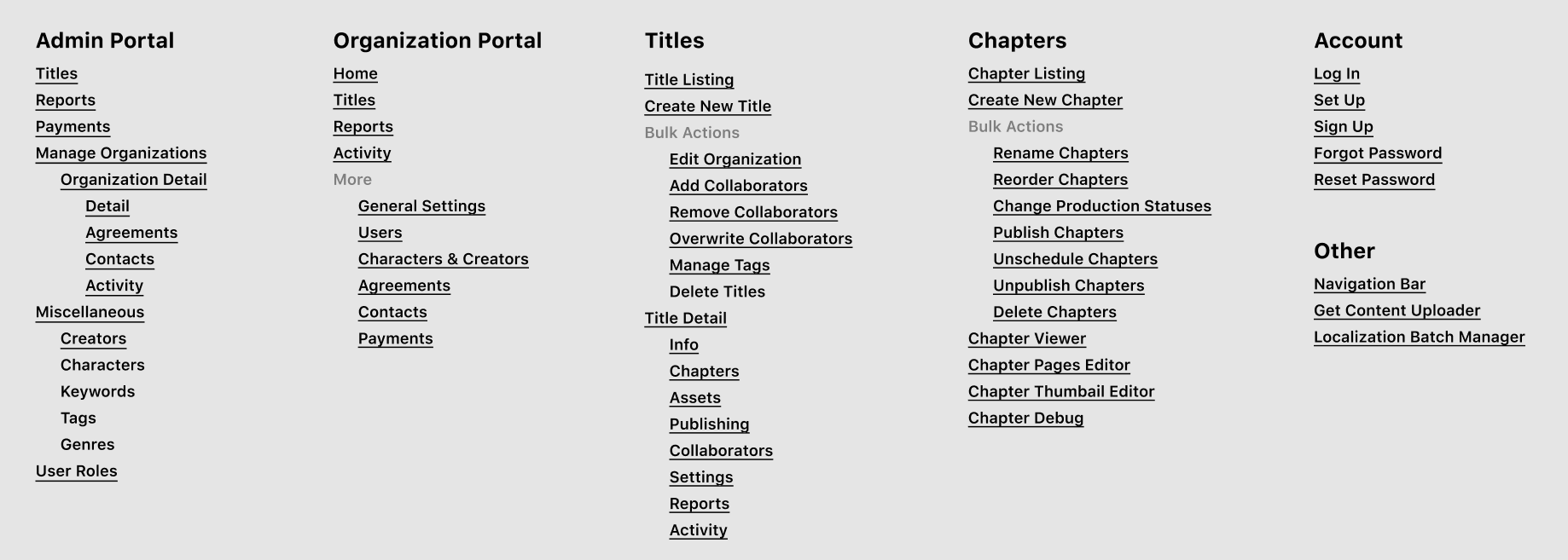
Coming from CMS 1.0, we have a clear idea of how to organize the app. Here is the final sitemap.
Visual Design
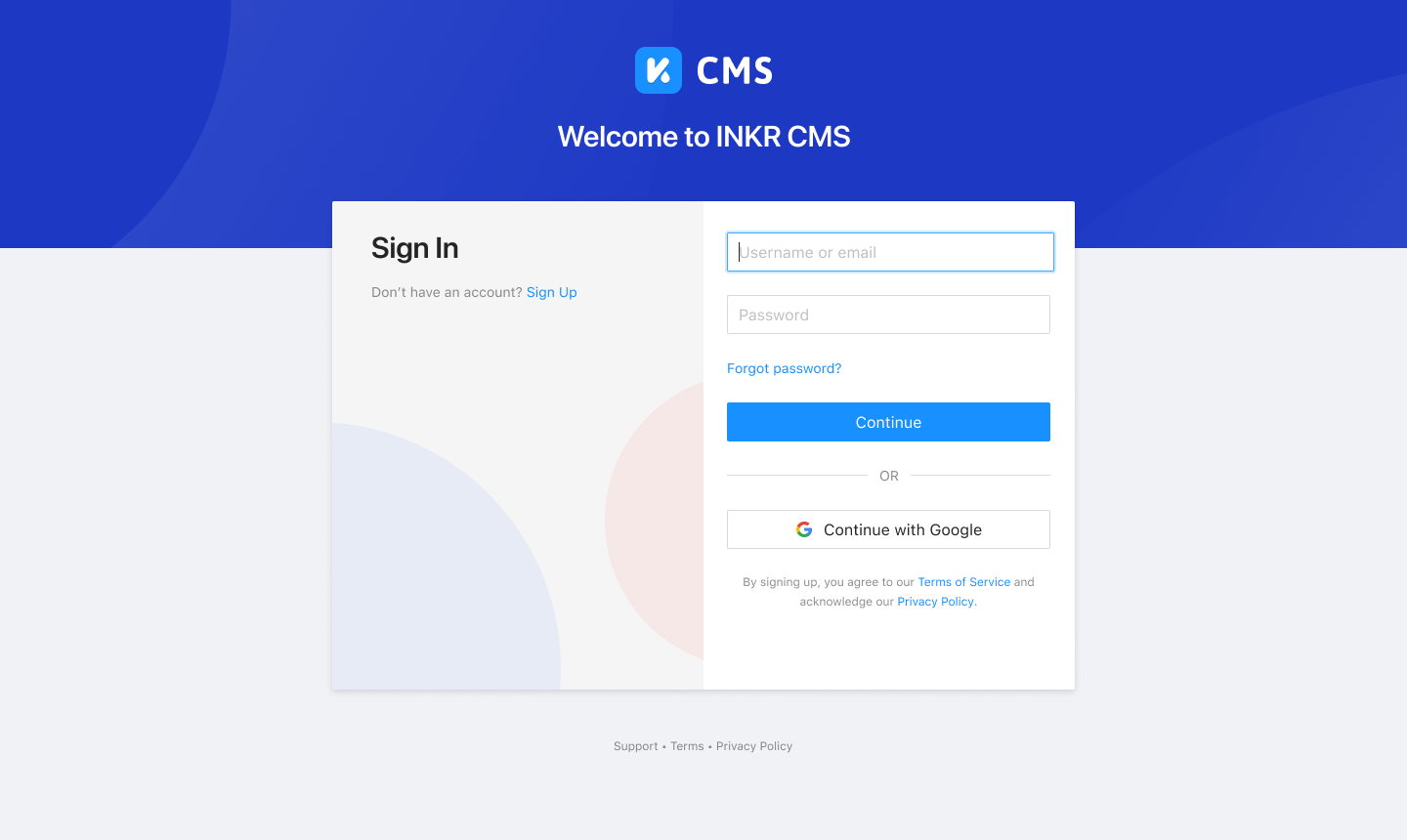
Login
Organizational Features
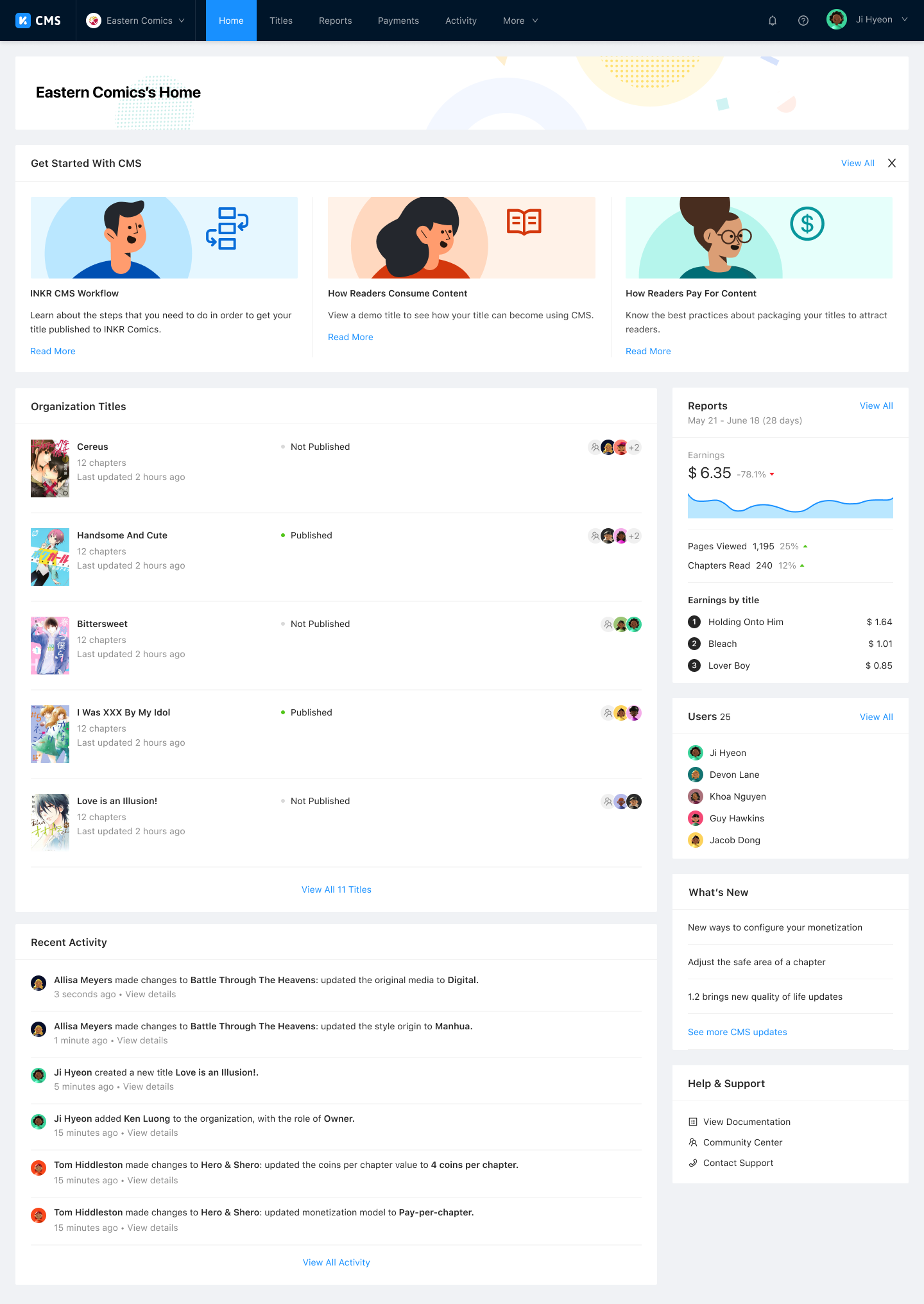
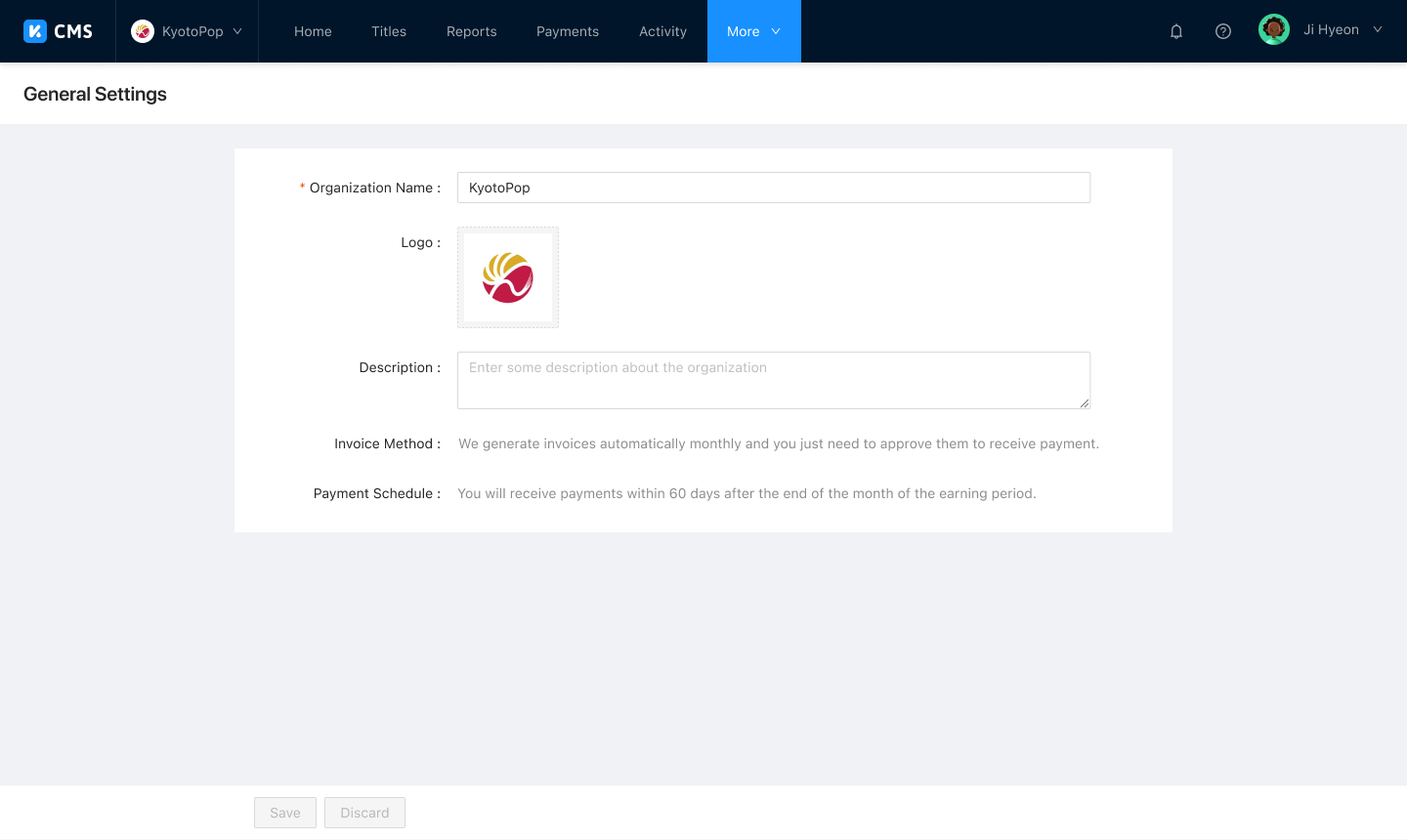
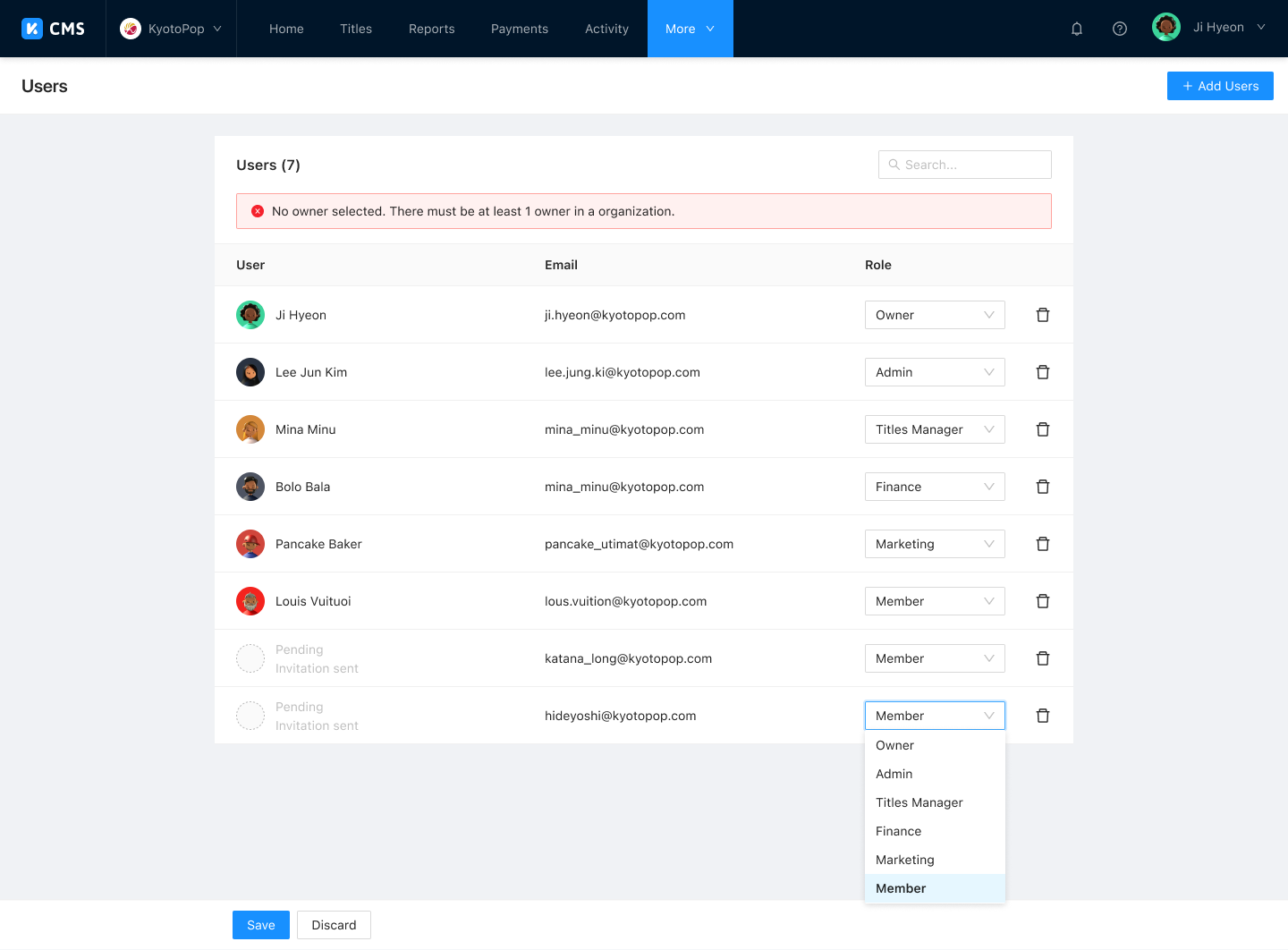
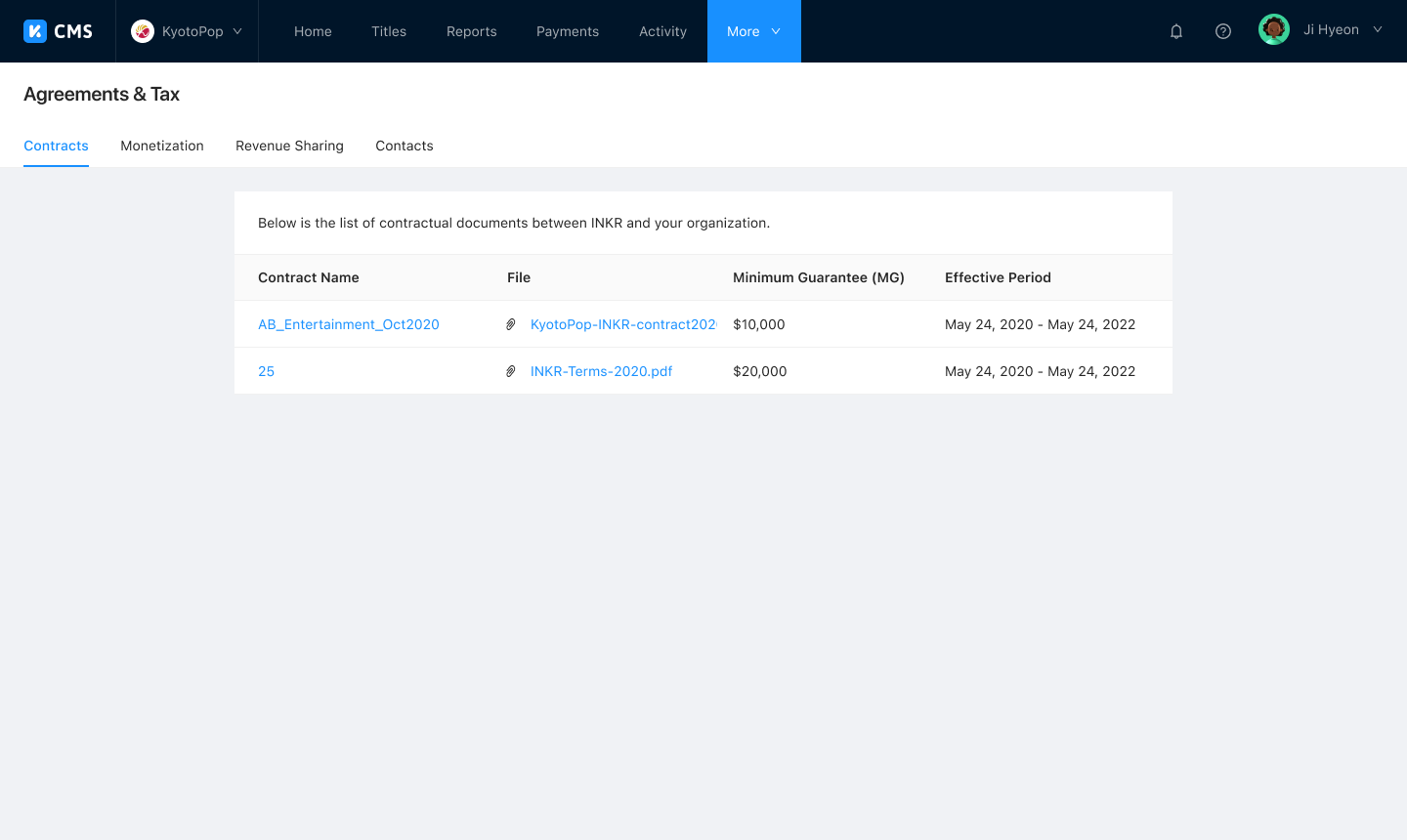
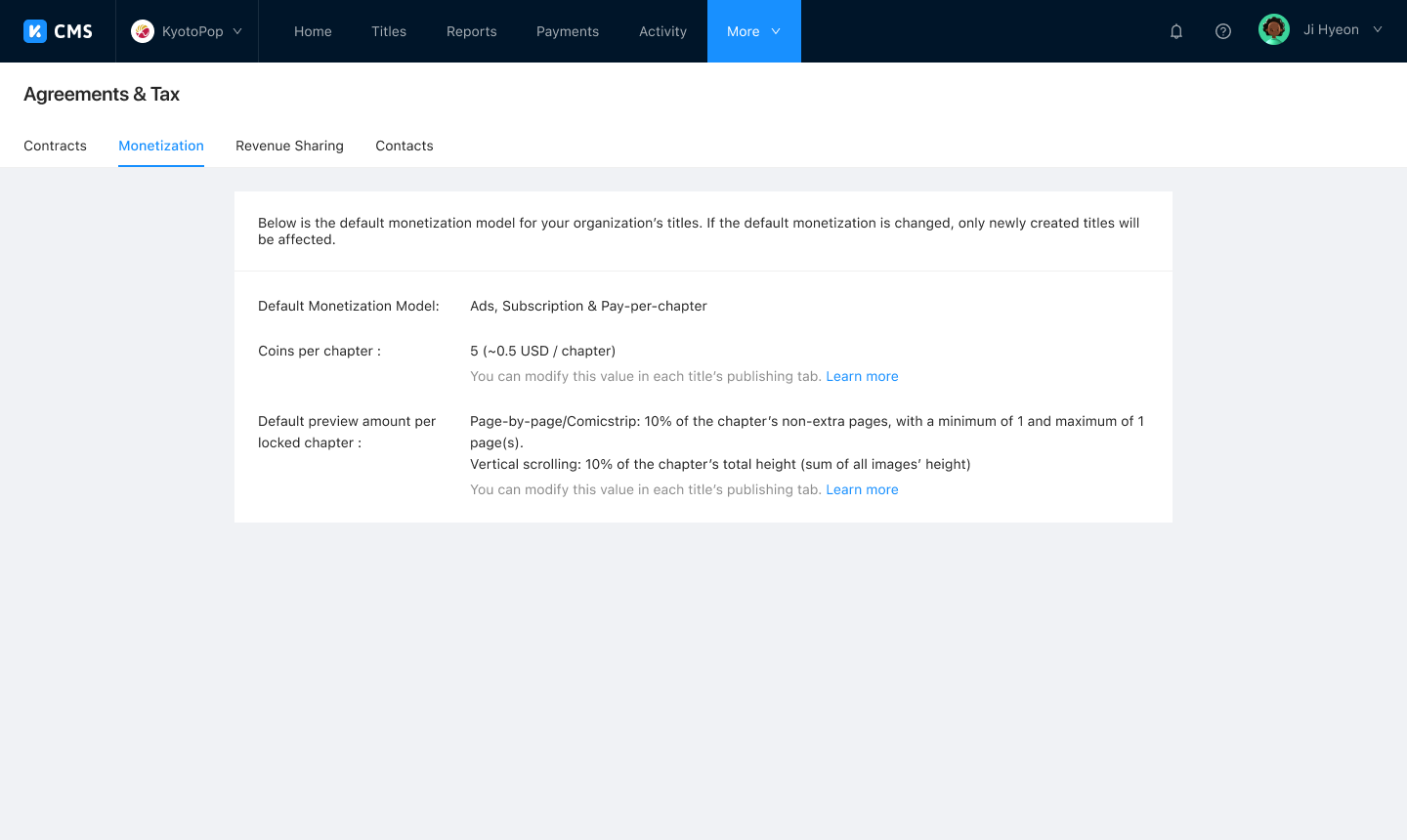
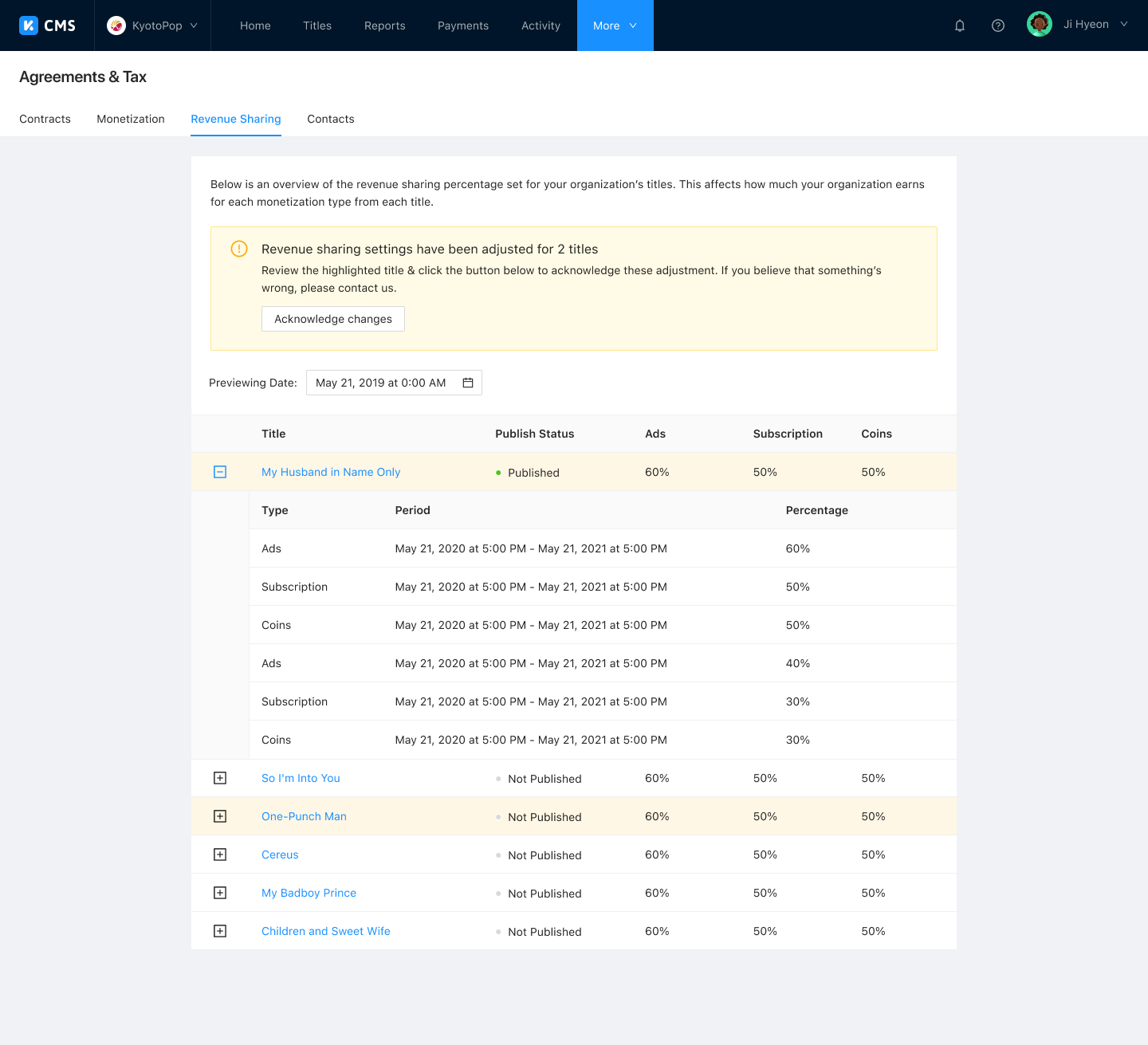
Every partner has their own dedicated space on CMS called an organization, where they can manage contracts, taxes, agreements, and users. Titles created within an organization automatically inherit the org's default sharing settings, reducing the overhead of managing permissions title by title.
Catalog Management
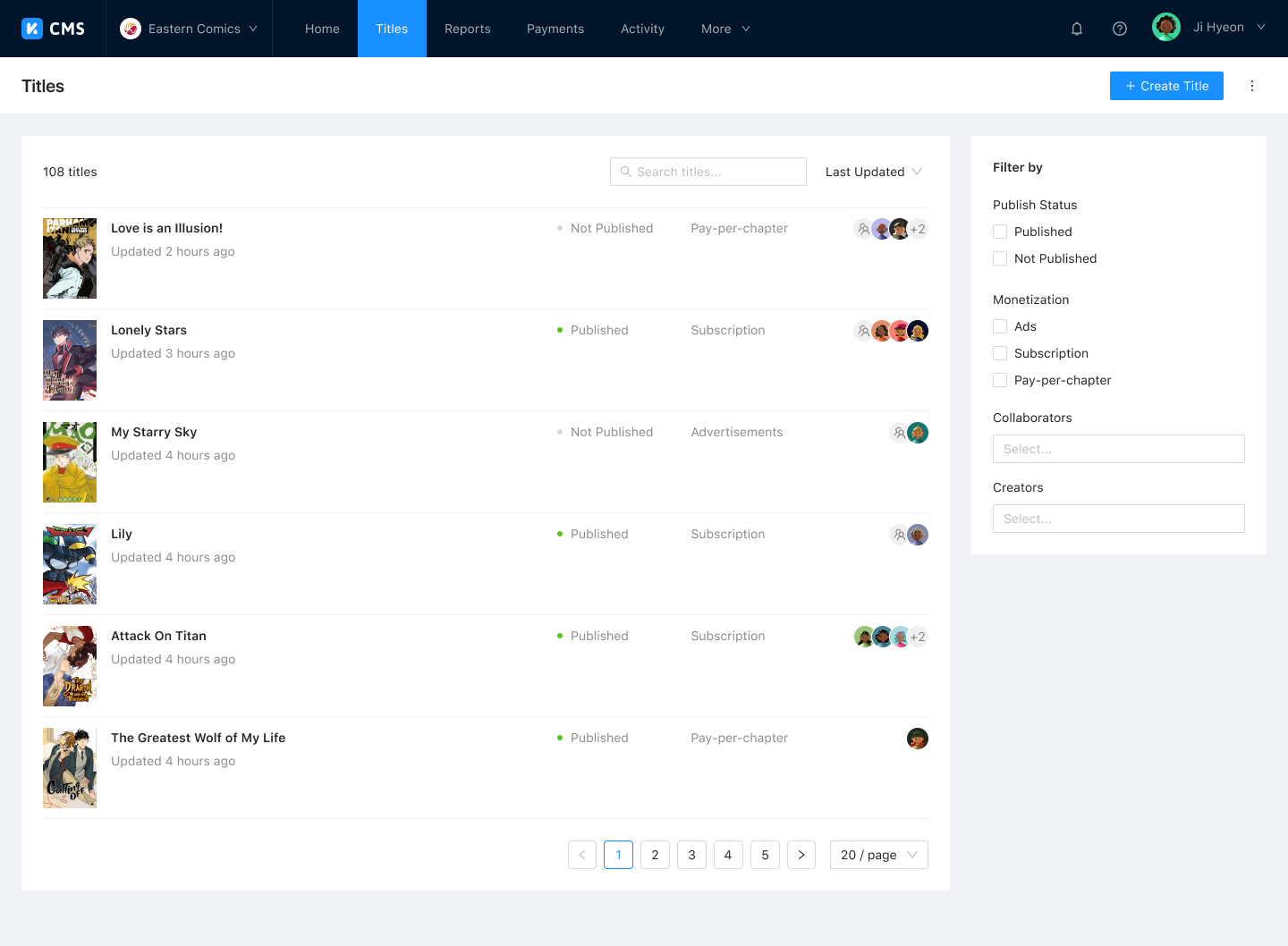
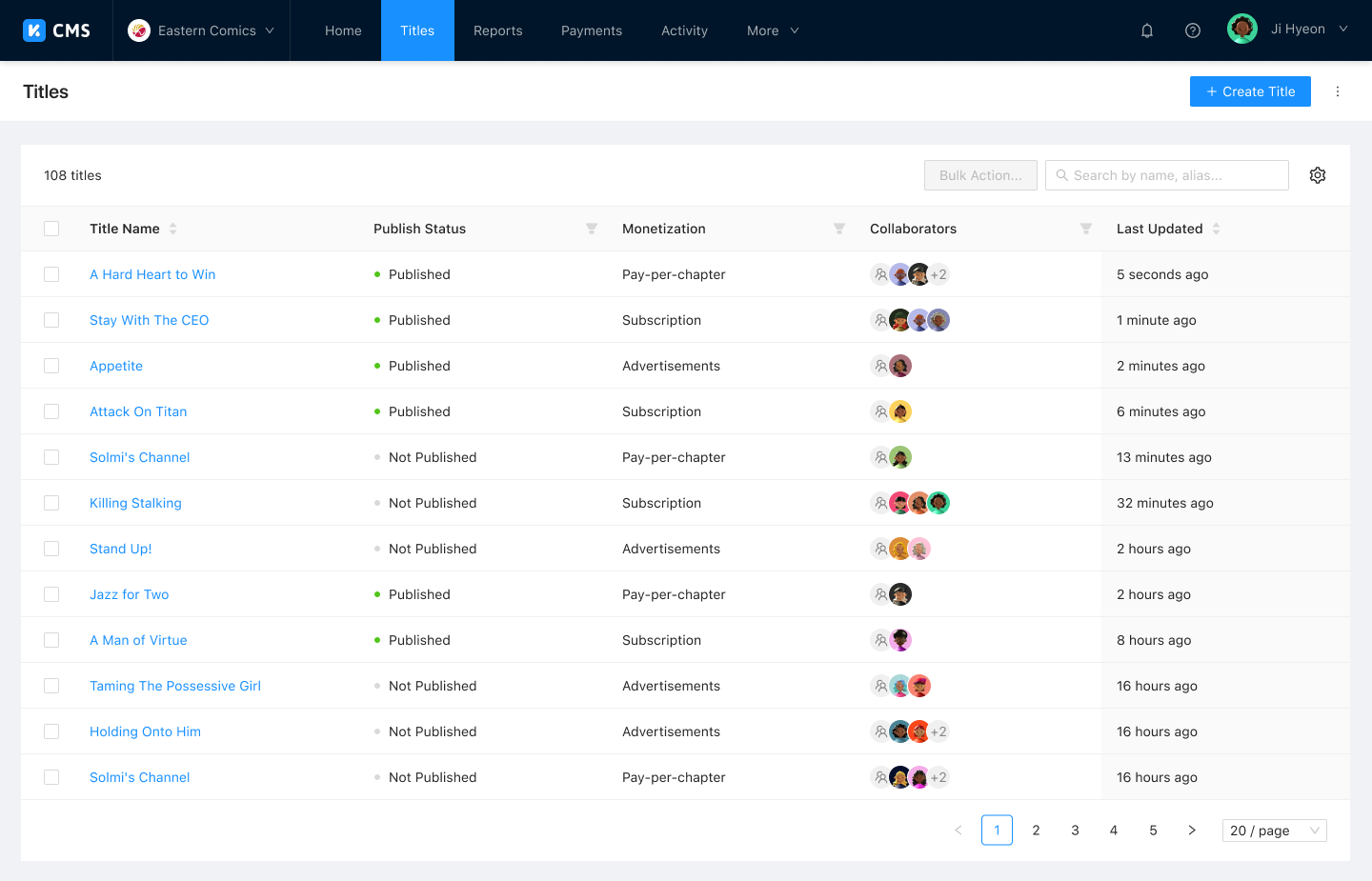
Whether a partner has a handful of titles or hundreds, the catalog view keeps things manageable. Two modes are available: a list view with cover art and simple filtering, and a denser inventory mode with advanced filtering for power users.
Title Information
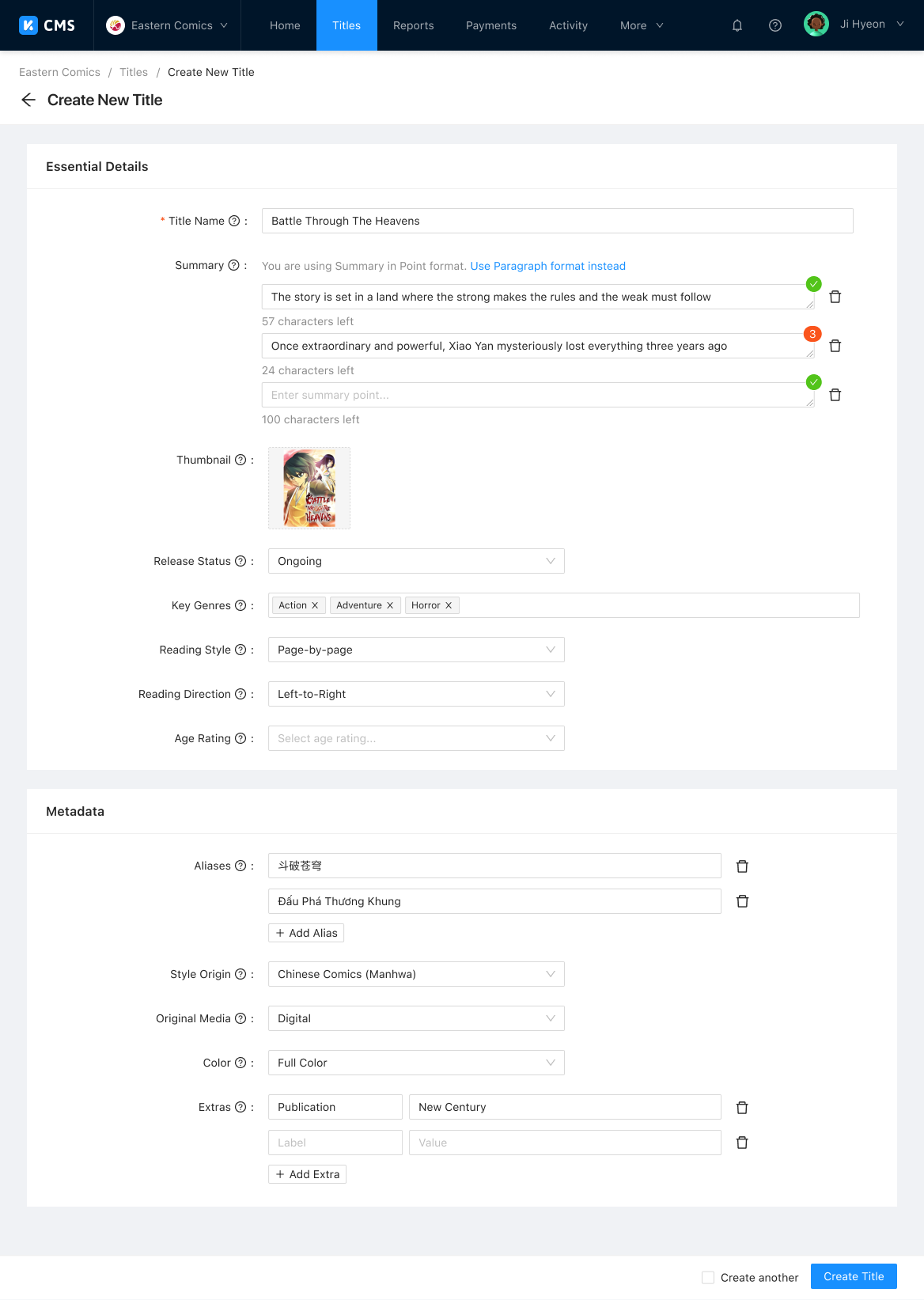
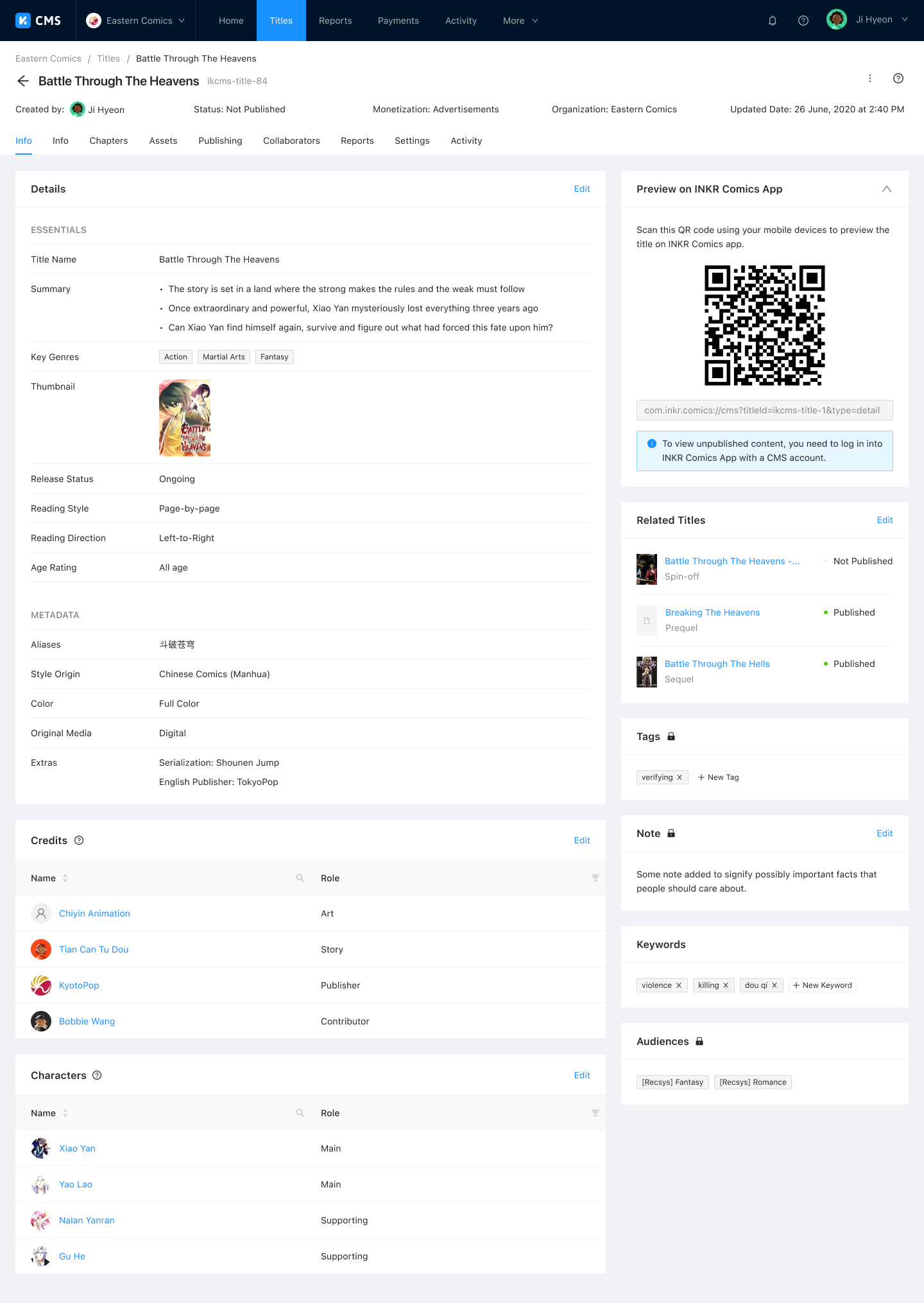
Clear and simple methods to enter and edit title info and metadata, so readers know exactly what a title is about before they start reading.
Title Assets
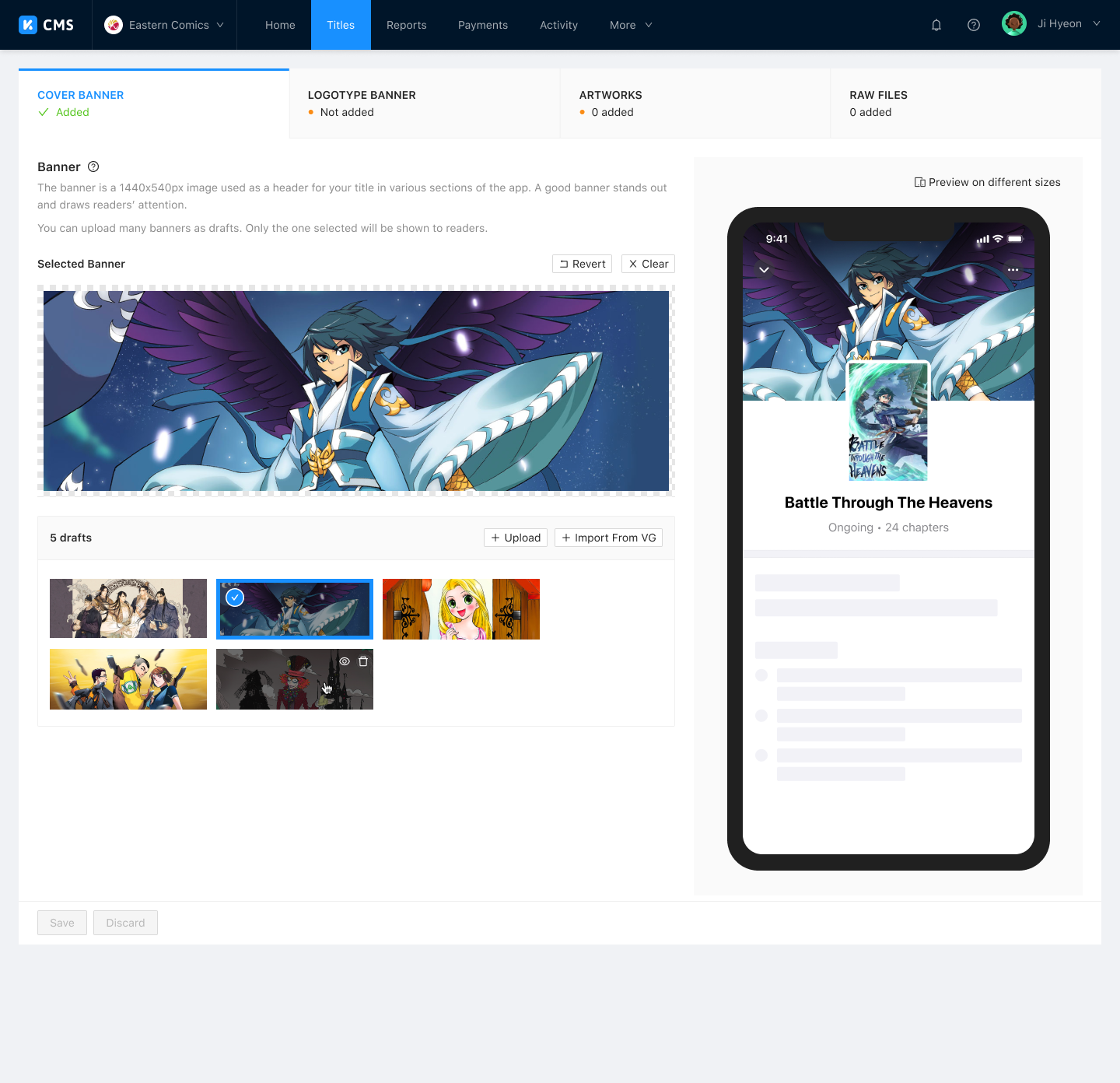
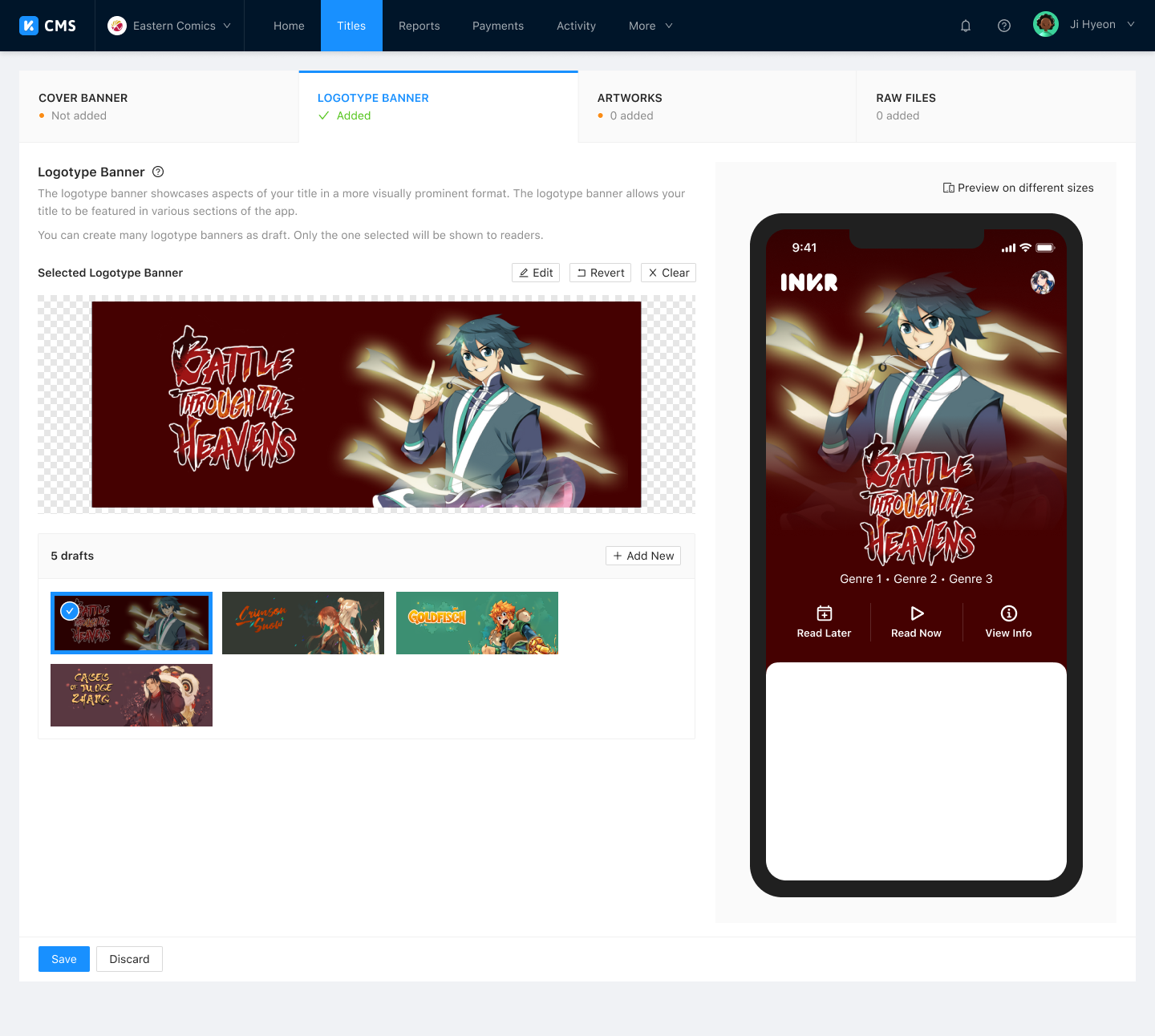
Easy ways to edit and preview visual assets to ensure every title is beautifully packaged across all devices.
Title Publishing
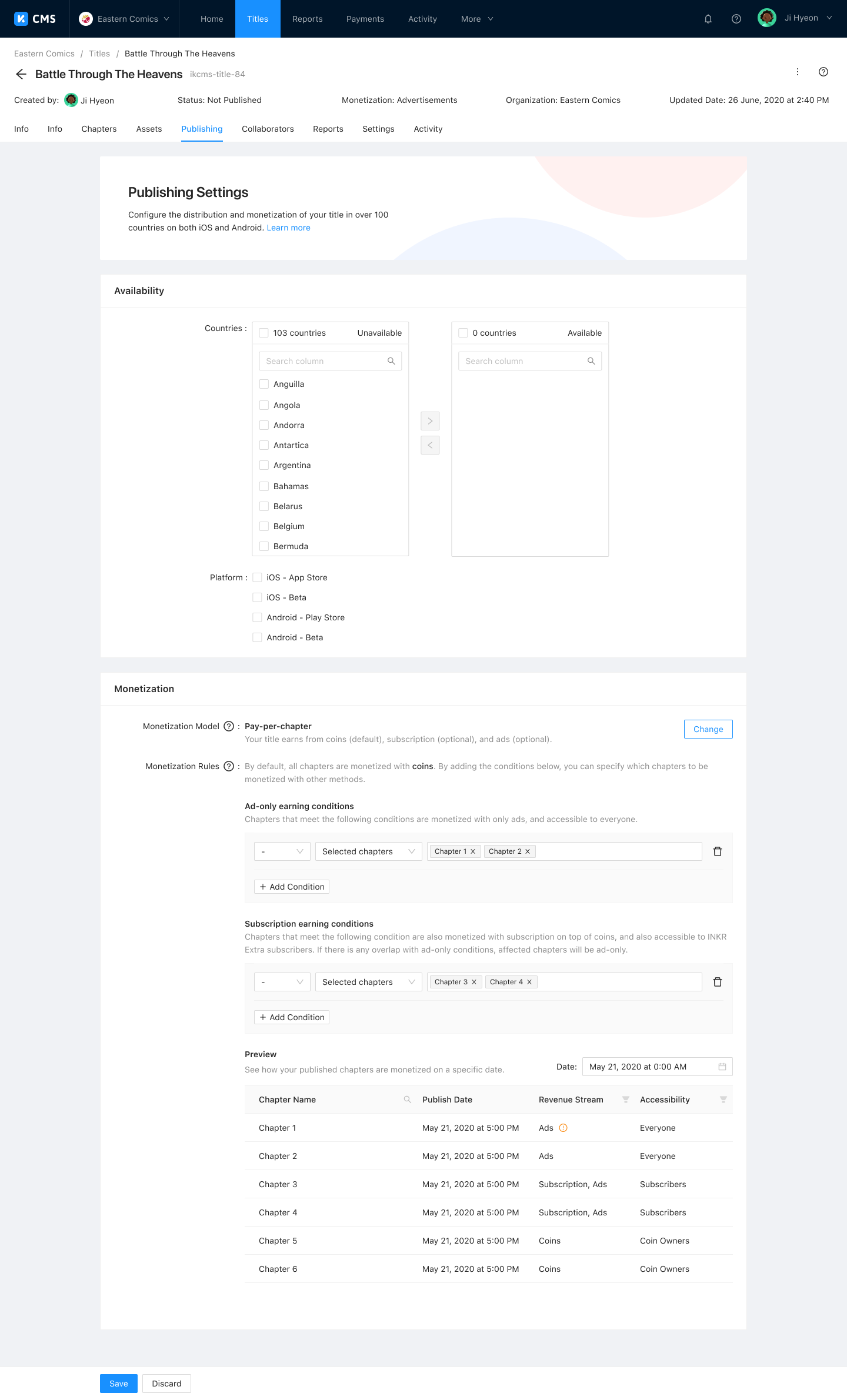
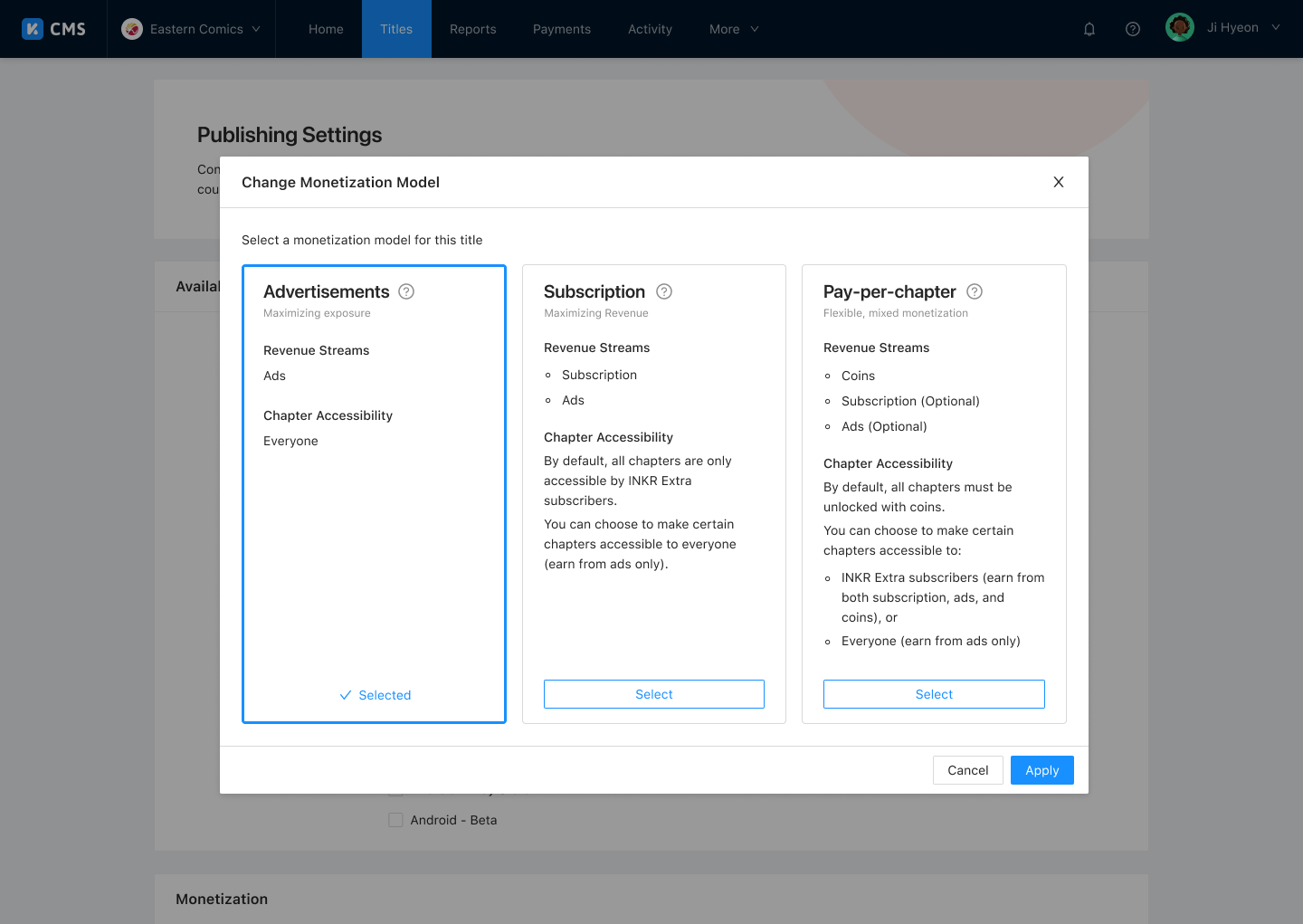
Granular controls for a title's availability and the monetization model for each chapter.
Title Collaborators
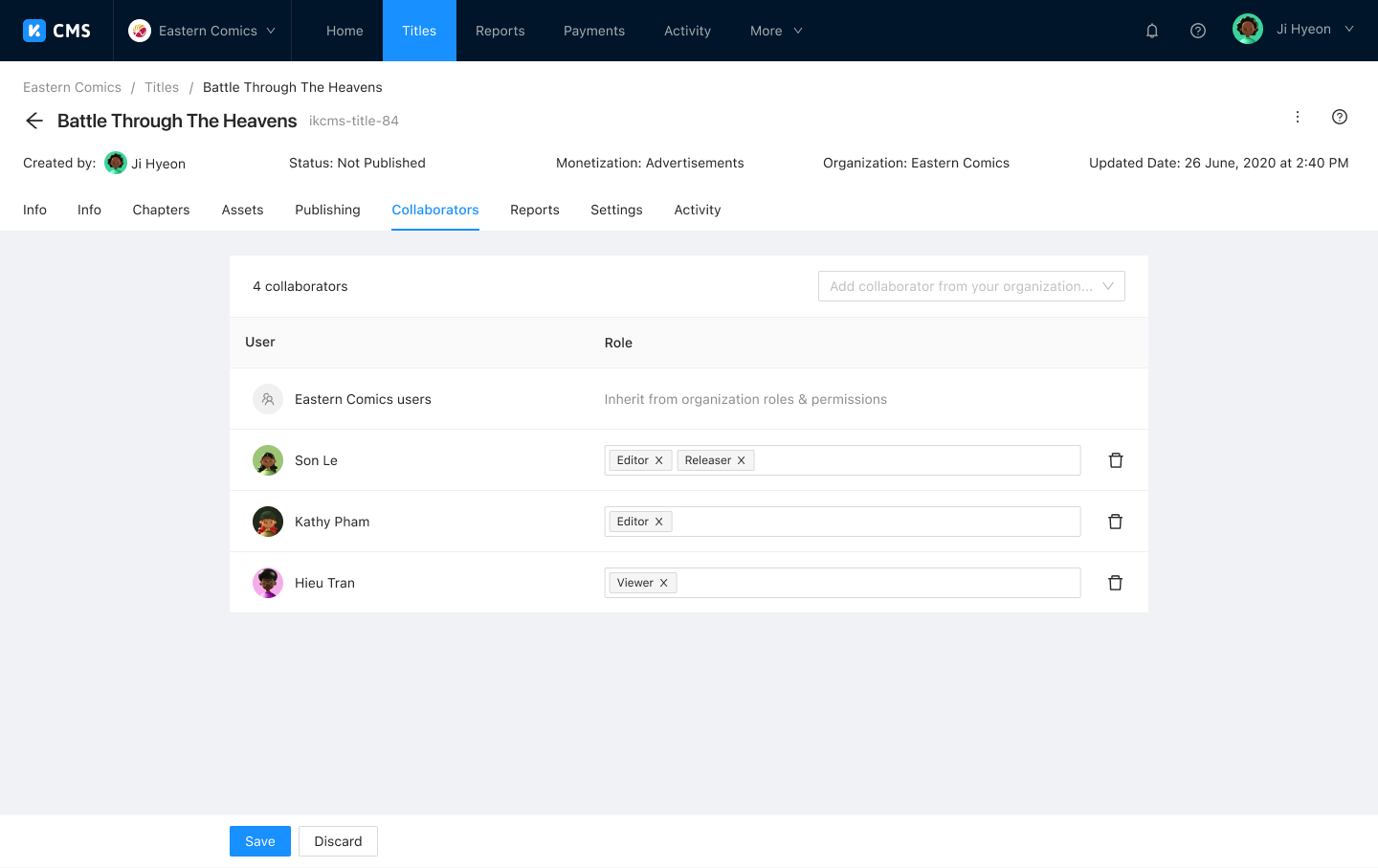
Add and remove permissions for individual organization members on a per-title basis.
Title Reporting
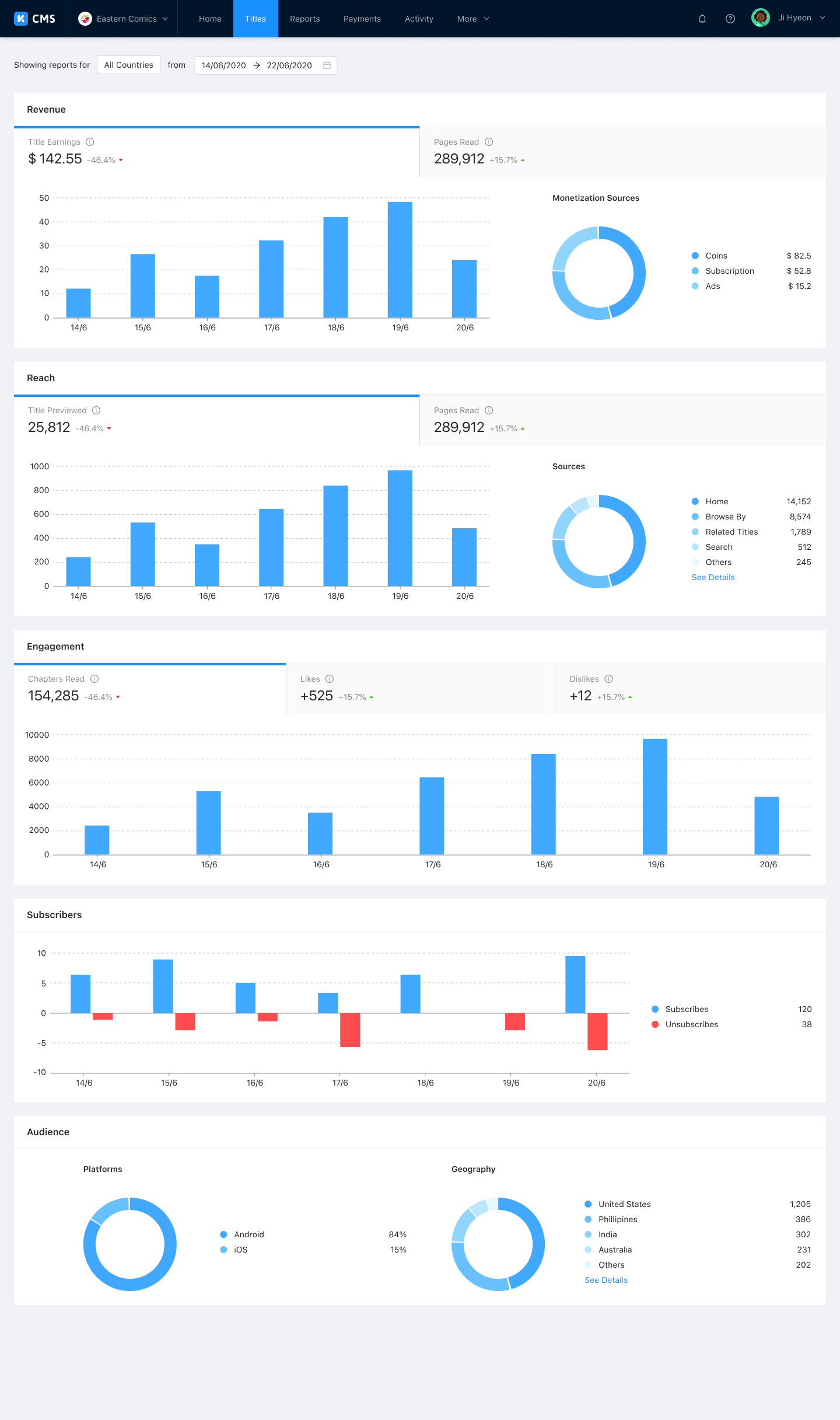
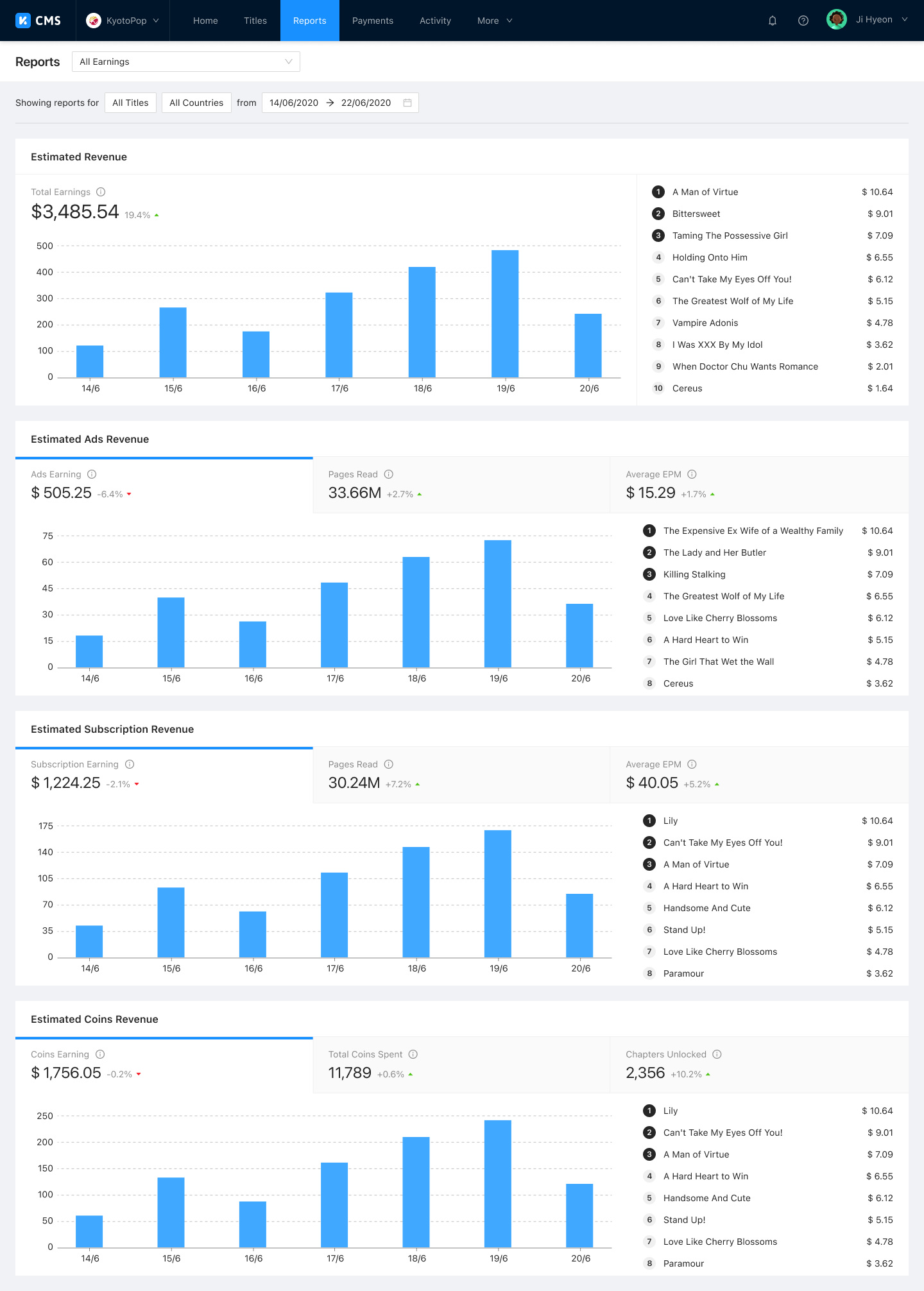
Transparent reporting on title and catalog performance, giving partners a clear view of how their content is doing.
Chapter Viewer
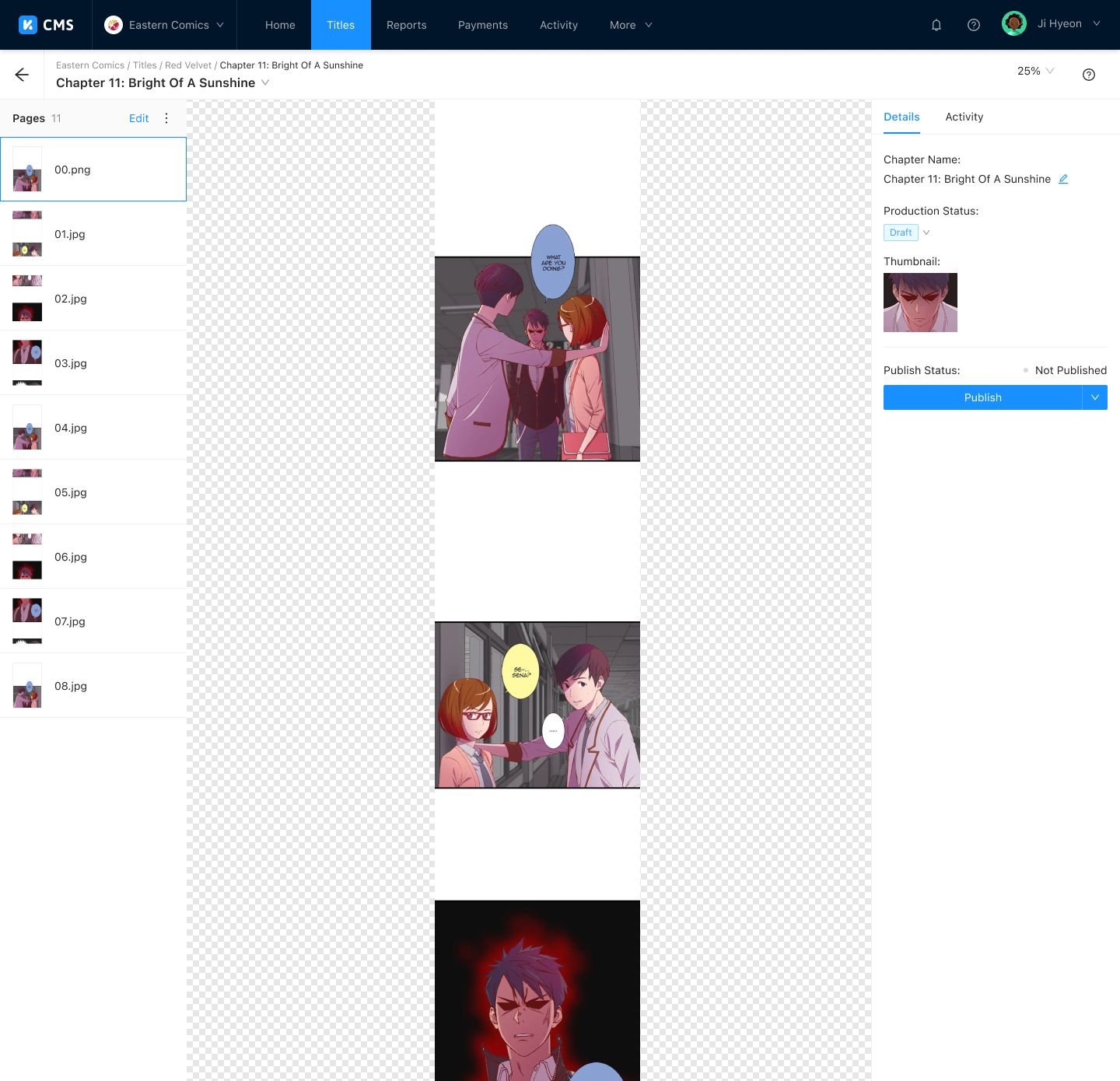
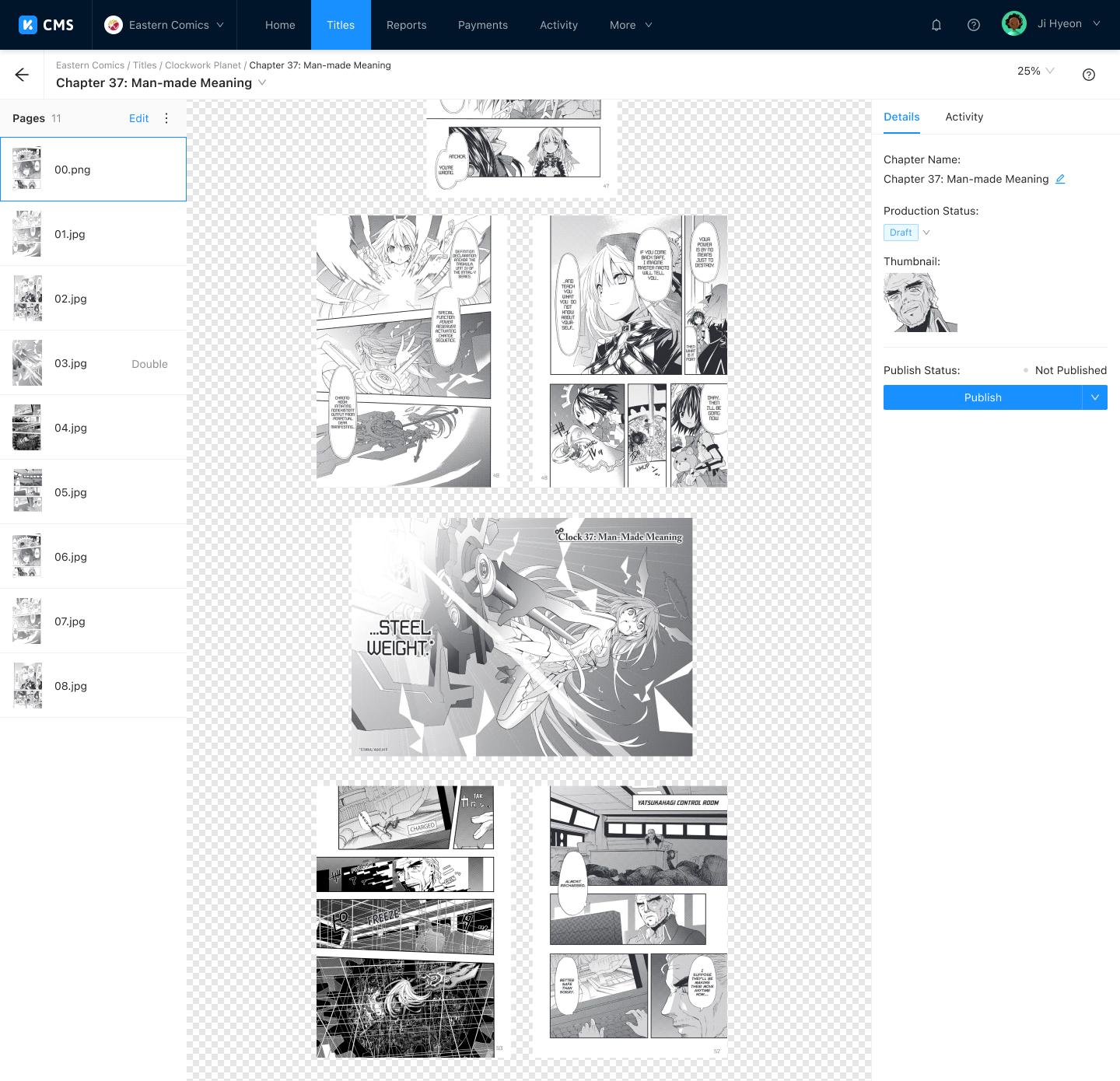
All major reading formats are supported directly in the browser, so editors can preview content exactly as readers will experience it.
Page Editor
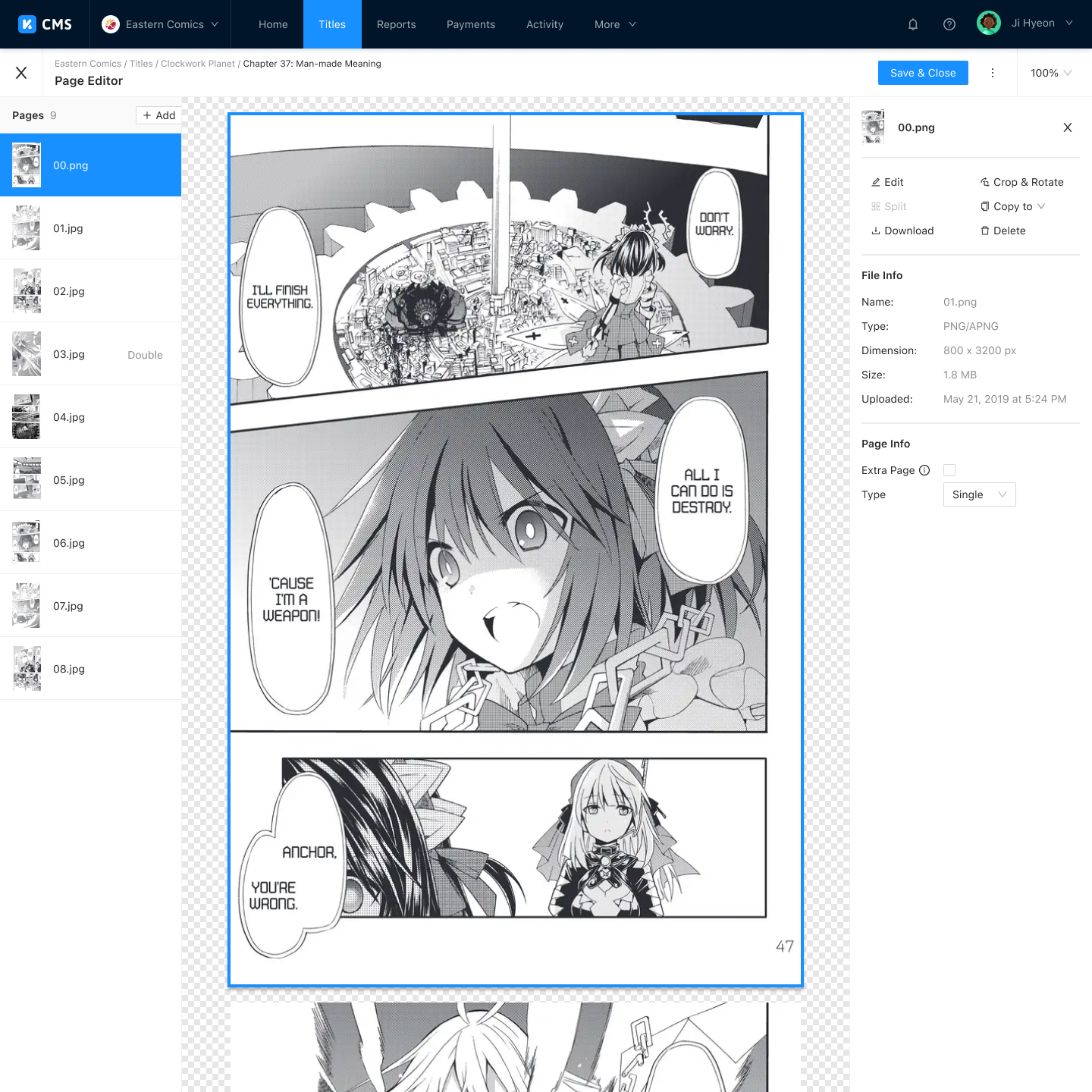
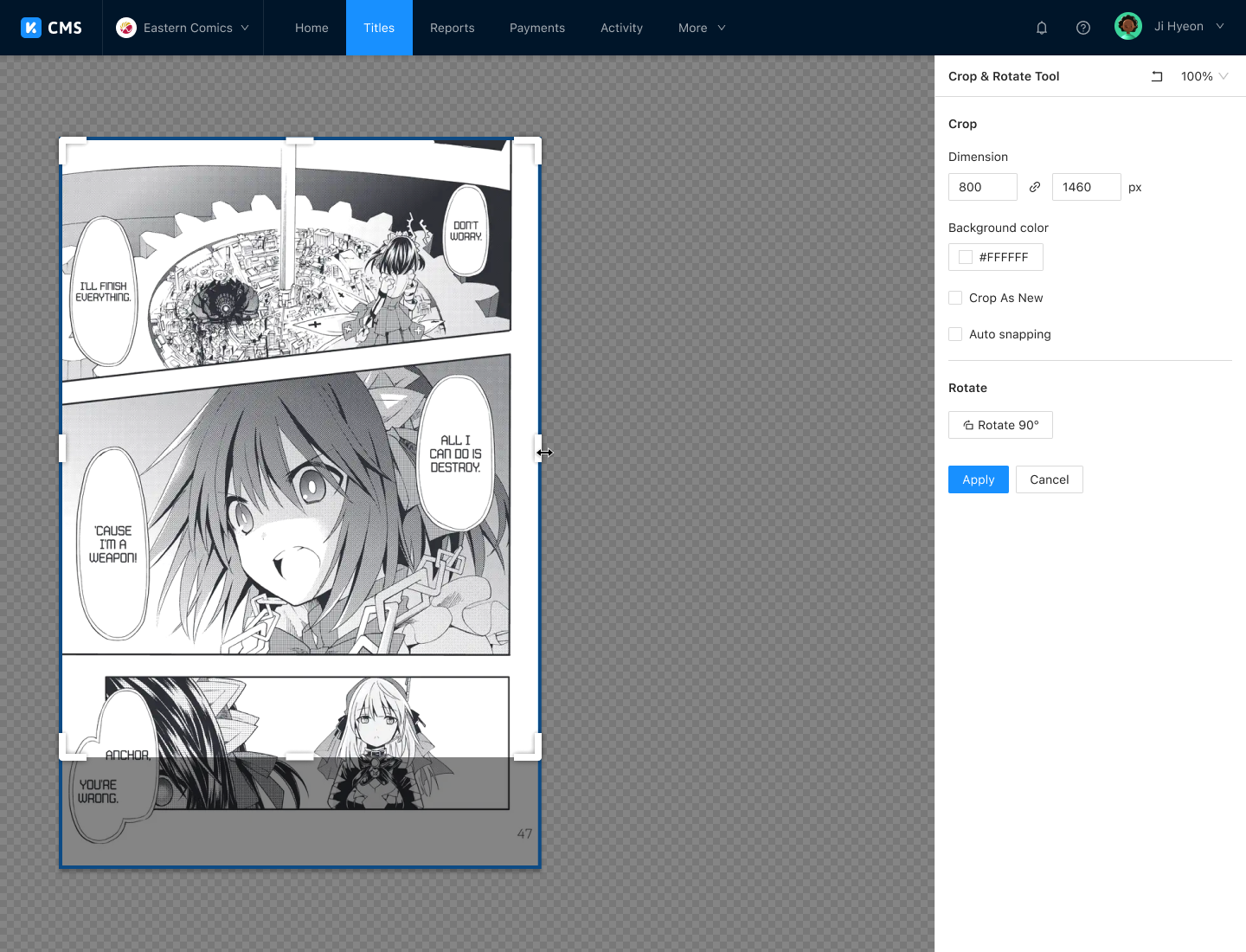
A cloud-based image editor with full capabilities for cropping, merging, and splitting pages, along with ad break and thumbnail management.
Advanced Features
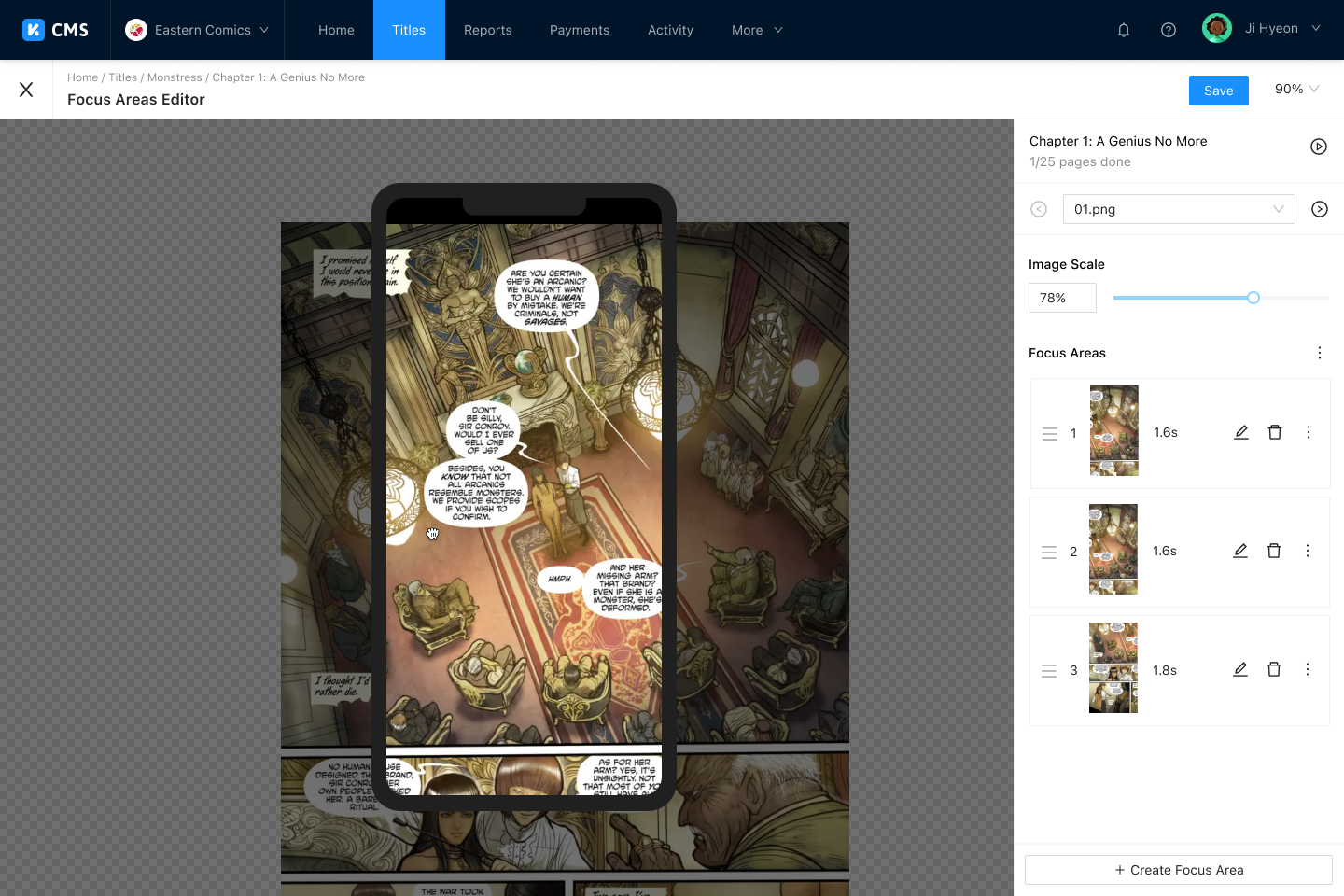
Safe Area Editor and Focus Area Editor, powered by INKR Vision. These tools allow editors to author the smart zoom and Comic Vision data that drives INKR's proprietary reading experience.
Reporting and Payment
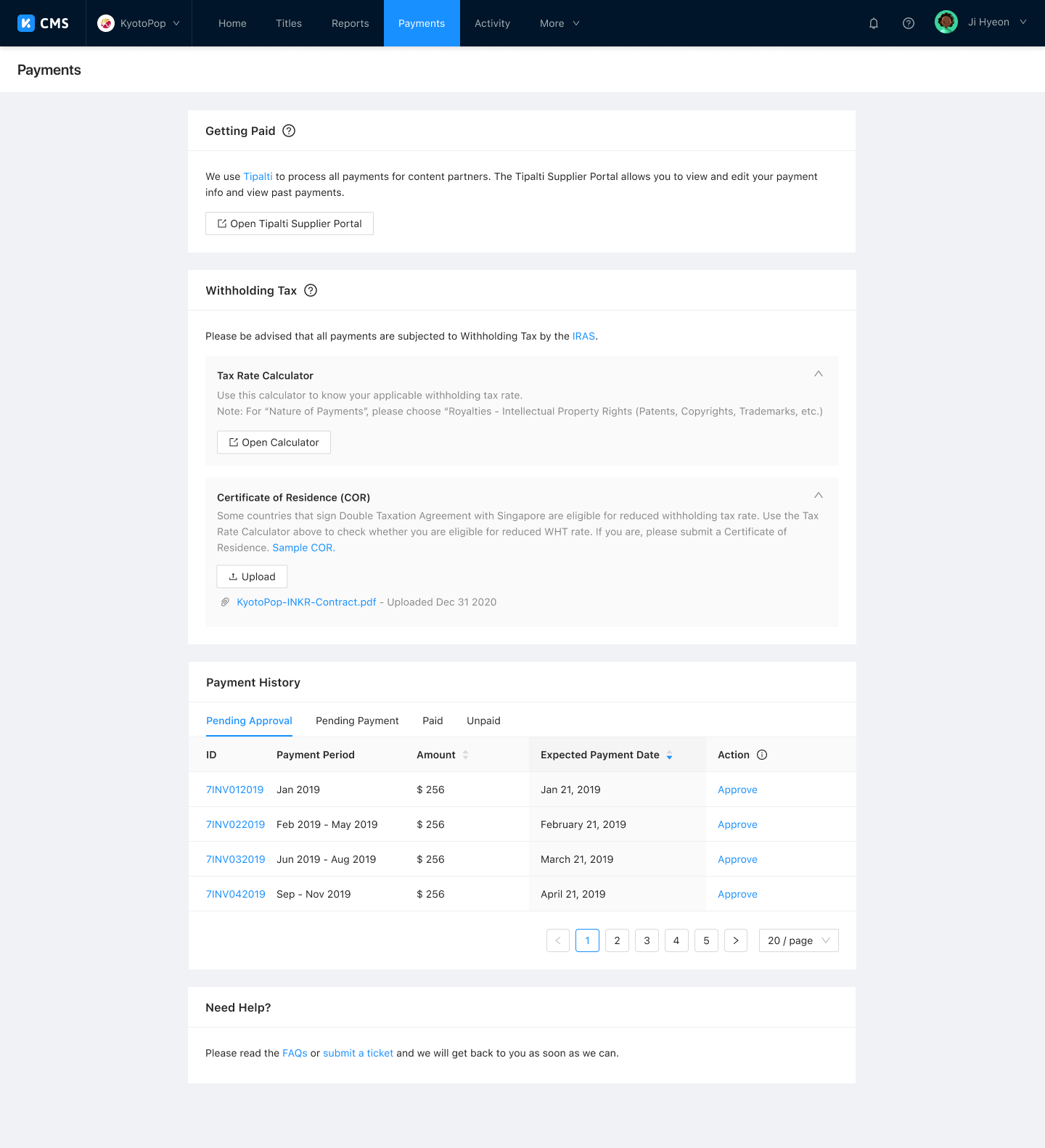
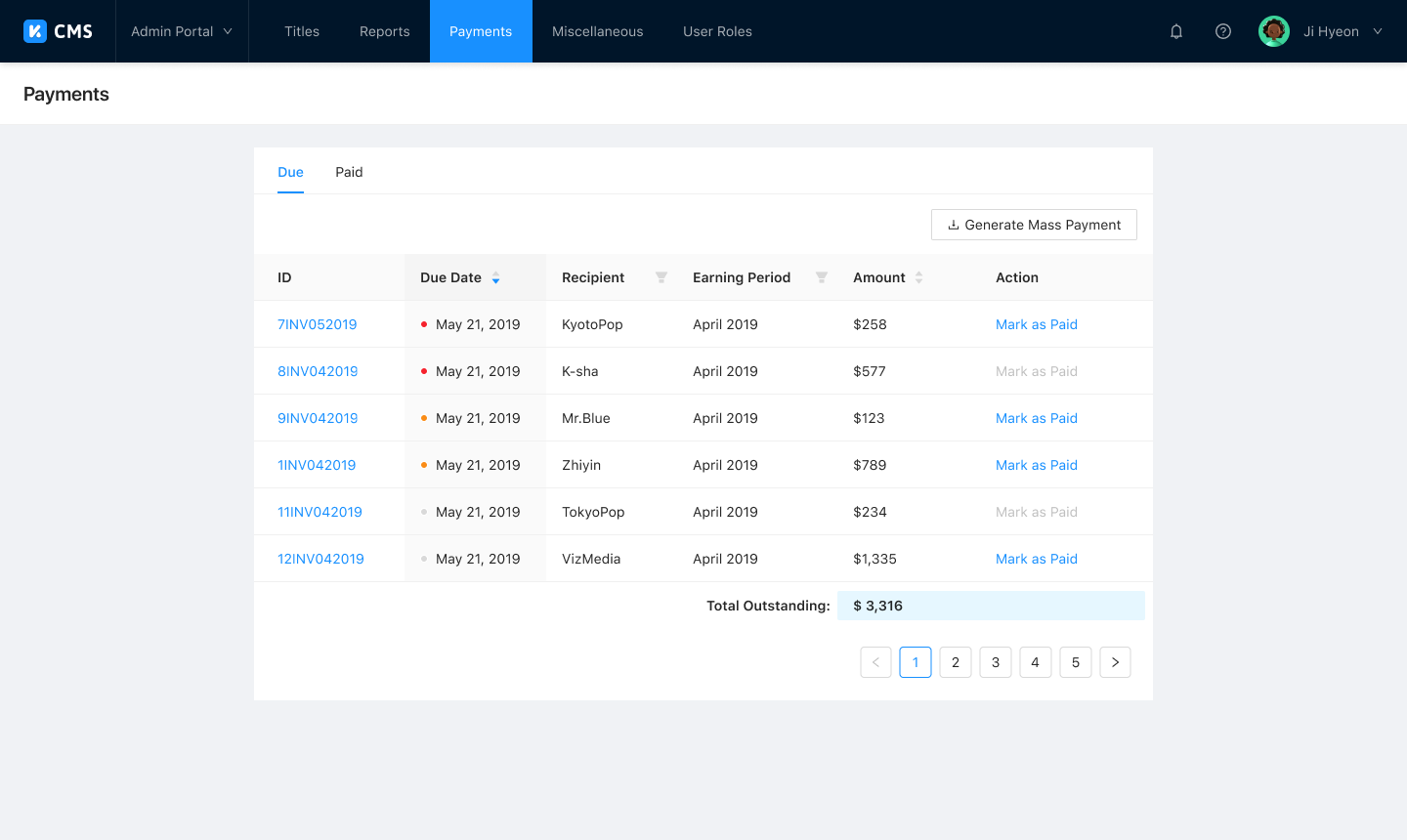
Daily sales reports with detailed breakdowns, monthly revenue summaries, automatic invoicing, and global payment and tax handling.
Outcome
INKR CMS 2.0 is actively used by both internal team members and external content partners. The partner features shipped as a deliberate stopgap gave partners immediate access to the tools they needed at launch, while the modular architecture kept the path open for migrating them into a dedicated portal in the future.